To film an effective video ad, you need a clear message, relevant footage, understandable sound and a useful next step. The right equipment depends on the concept and the conditions; an expensive camera does not resolve an unclear offer.
Start with the brief and choose the production approach that can deliver it reliably. A phone demonstration, a small camera setup and a professional production can each be appropriate for different jobs.
Write a short production brief
Define the audience, offer, central message and action you want the viewer to take. Identify the evidence that makes the message credible and the destination that continues the offer.
List the placements and formats you need. A vertical social ad, a horizontal website video and a silent display placement may require different framing, captions and pacing.
Use our nine-step advertising guide to settle these decisions before the shoot. Confirm any factual claims and offer conditions before recording them.
Create a shot list around the story
Plan a useful opening, the explanation or demonstration, supporting evidence and a clear ending. Include wide, medium and detail shots when they help the viewer understand the work.
For a service business, show the process and the team doing relevant work rather than relying entirely on generic office footage. For a product, demonstrate the feature in a realistic use case and explain limitations where necessary.
Prepare interview prompts instead of forcing every speaker to recite dense marketing copy. Short, natural answers are easier to edit into a clear explanation.
Choose the camera and support for the conditions
A recent phone may be sufficient for a controlled, simple demonstration. A camera with interchangeable lenses can offer more control over framing and challenging conditions. A larger production may be appropriate when the concept requires several locations, complex lighting or coordinated talent.
Choose based on the actual requirements, existing equipment and operator skill. Renting or hiring production support can be more sensible than buying a camera for one campaign.
Use a tripod or other suitable support for stable shots. Our iPhone content guide covers a practical lightweight setup without relying on outdated model or app-price recommendations.
Give audio its own plan
For speech, select a microphone that suits the location and keep it close enough to the speaker. Monitor a test recording with headphones and listen for wind, clothing noise, machinery and room echo.
Record useful background sound and a little room tone where appropriate. Keep dialogue intelligible in the edit and avoid music that competes with the message.
Captions help when viewers watch without sound, but they do not excuse an unusable original recording. Review their accuracy before publishing.
Control light, exposure and color
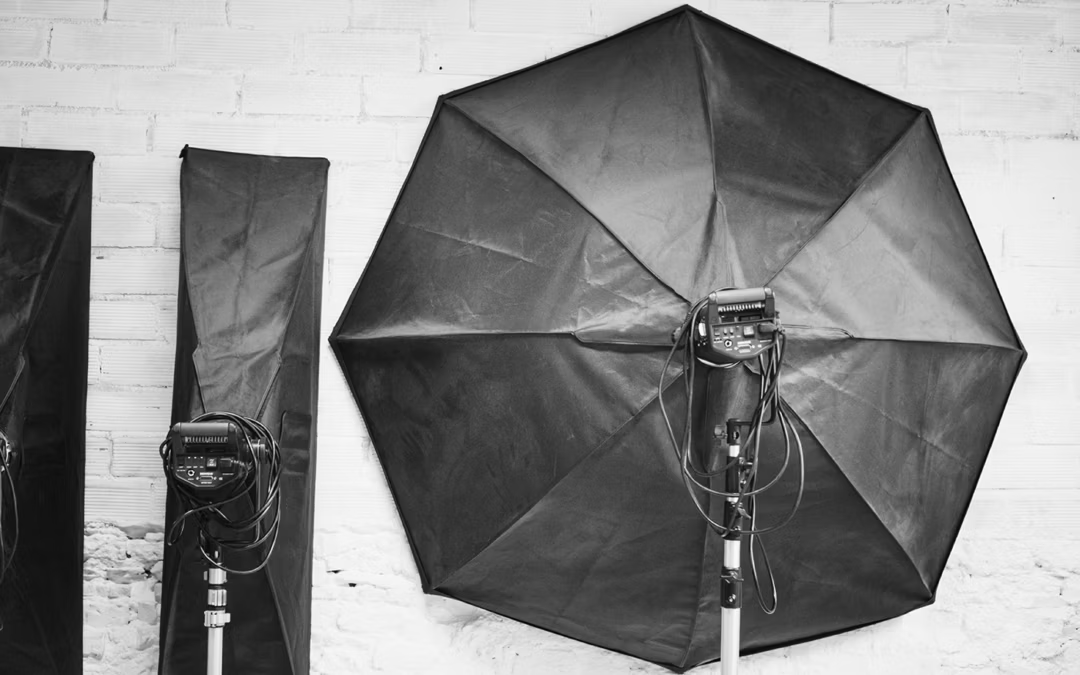
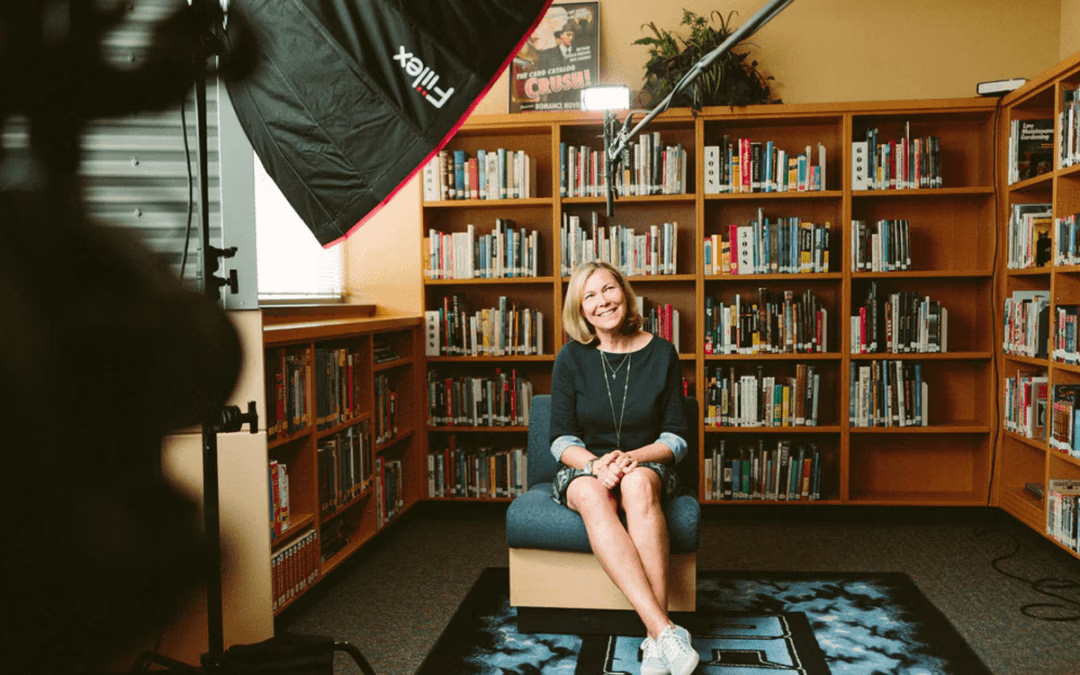
Use light to reveal the subject and maintain consistency between shots. A window or open shade can work well for a simple setup, while reflectors and diffusion help manage contrast.
Check exposure, focus and white balance before each setup. Use settings appropriate to the motion and available light, and review footage at full size. Mixed lighting or automatic changes can make adjacent clips difficult to match.
Our lighting tools guide explains when reflectors, ND filters and diffusion solve different problems. The timelapse guide covers one useful technique for showing a process over time.
Prepare the location, people and assets
Confirm access, scheduling, permissions and the availability of the people or products you need. Keep the background relevant and remove distracting or confidential material from the frame.
Have the approved logo, brand colors, end card and offer wording ready. Confirm usage rights for music, photography and other assets instead of assuming material found online is available for commercial use.
Edit, review and test the complete journey
Cut for clarity, not simply maximum speed. Make the message understandable early, support claims with the footage and finish with a next step the viewer can follow.
Review each delivery format on a phone and a larger screen. Check captions, crops, audio, spelling and the landing-page link. Test the inquiry or purchase flow before spending on distribution.
Then compare meaningful creative concepts and qualified outcomes, using the marketing ROI guide to interpret the result. Bryant Digital's video production in Virginia Beach connects planning, filming and editing with that campaign purpose.