Your iPhone can be useful for documenting work, answering customer questions and sharing short explanations. The main improvements usually come from preparation, light, sound and a clear idea of what the viewer should learn.
Use a simple, repeatable workflow so the team can capture useful material without turning every post into a full production.
Decide what the photo or video needs to explain
Choose one subject: a project detail, a process step, a common question or a short introduction to a service. Write the main point in one sentence before recording.
For a project, capture context as well as detail. A wide shot shows the setting, a medium shot shows the work and a close-up explains a feature. Get appropriate permission before featuring customers, private spaces or identifiable people.
Our social media strategy guide helps turn these individual captures into a useful content plan.
Prepare the phone and the frame
Clean the lens, check storage and battery, and choose the camera orientation for the intended placement. Vertical video often suits full-screen mobile placements, while a horizontal frame may be needed for the website or a presentation.
Leave room around important details so the image can be cropped without losing the subject. Keep faces and essential text away from areas where platform controls may appear.
Use the phone's available camera options deliberately rather than assuming the highest resolution is always necessary. Review the actual file and delivery requirements for the channels you plan to use.
Find usable light and stable exposure
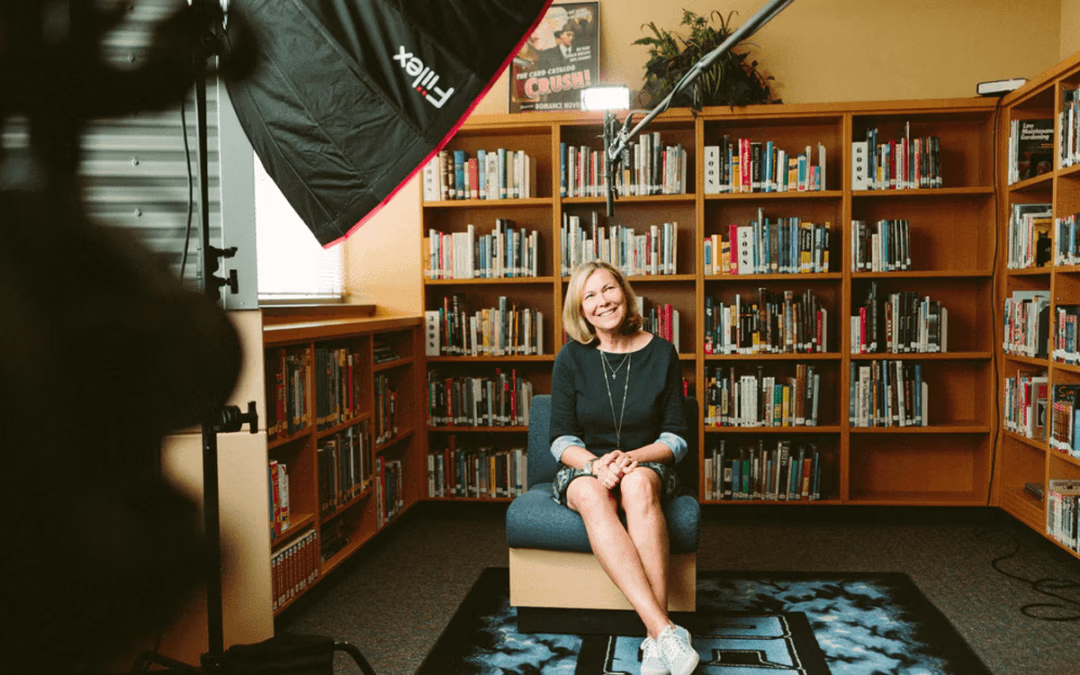
Place the subject in light that reveals it clearly. A window, open shade or a controlled light source can be easier to work with than harsh overhead light or mixed color temperatures.
Tap the subject to set focus and exposure, then review the result. Where supported, lock focus and exposure for a stationary shot so brightness and focus do not shift unnecessarily. Apple's iPhone video guide documents the available controls; features vary by model and software version.
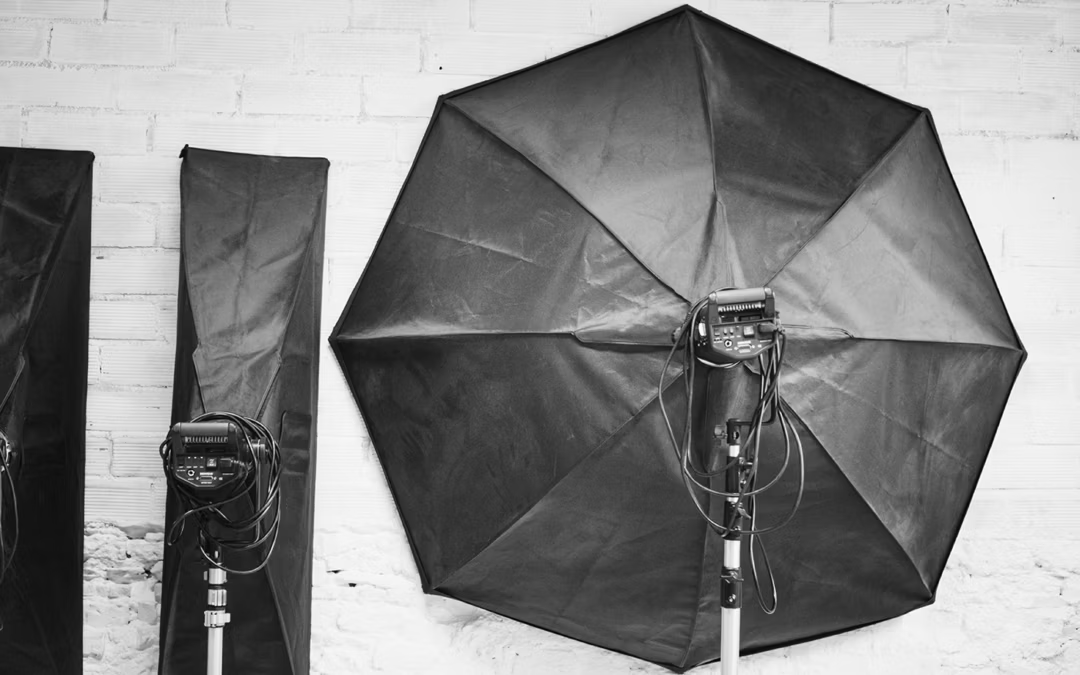
For reflective surfaces, faces or detailed work, move the camera or light before adding filters. Our lighting tools guide explains reflectors, diffusion and exposure control.
Prioritize steady framing and clear sound
Brace the phone or use a stable support when the subject is stationary. Move slowly and with a reason; a clear locked shot can communicate more than continuous panning.
For speech, record in a quiet place and move the microphone close enough to capture the voice clearly. If you use an external microphone, check compatibility and listen to a test recording before filming the full explanation.
Record a short sample and play it back with headphones. Wind, machinery and room echo are easier to address before recording than afterward.
Edit for clarity and the intended placement
Remove pauses and repetition, keep the explanation focused and add accurate captions when speech carries the message. Check text size on a phone and confirm that captions do not cover the important visual detail.
Use only music, images and other material you have appropriate rights to use. Export for the intended channel and inspect the final file rather than assuming the editing preview shows the published result.
For a campaign with a more developed message, our video-ad production guide explains how to plan the brief and shot list.
Save useful material and connect it to the next step
Label files by project, subject and date. Keep approved versions and any relevant permissions available to the team so good material can be reused appropriately.
Link the post to a relevant guide, project story or service page when that helps the viewer continue. A helpful explanation may need only a clear answer, while an offer needs a specific next action.
Bryant Digital's original content production in Virginia Beach can complement everyday capture with planned photography and video when the business needs a more extensive creative library.